
LLaDA-Image prompts
LLaDA-Image Prompts — Practical Patterns
Steal structure, not fluff: subject, lighting, bilingual text strings, camera notes, and edit instructions that map cleanly to the online workspace.
This site is an independent third-party browser workspace for LLaDA-Image. It is not affiliated with inclusionAI. Official code and weights remain on GitHub, Hugging Face, and ModelScope.
Prompt patterns that work in the workspace
Spell out subject, lighting, and any on-image text. For edits, say what must stay and what should change. Copy a template below, then test it with Base or Turbo in the generator.
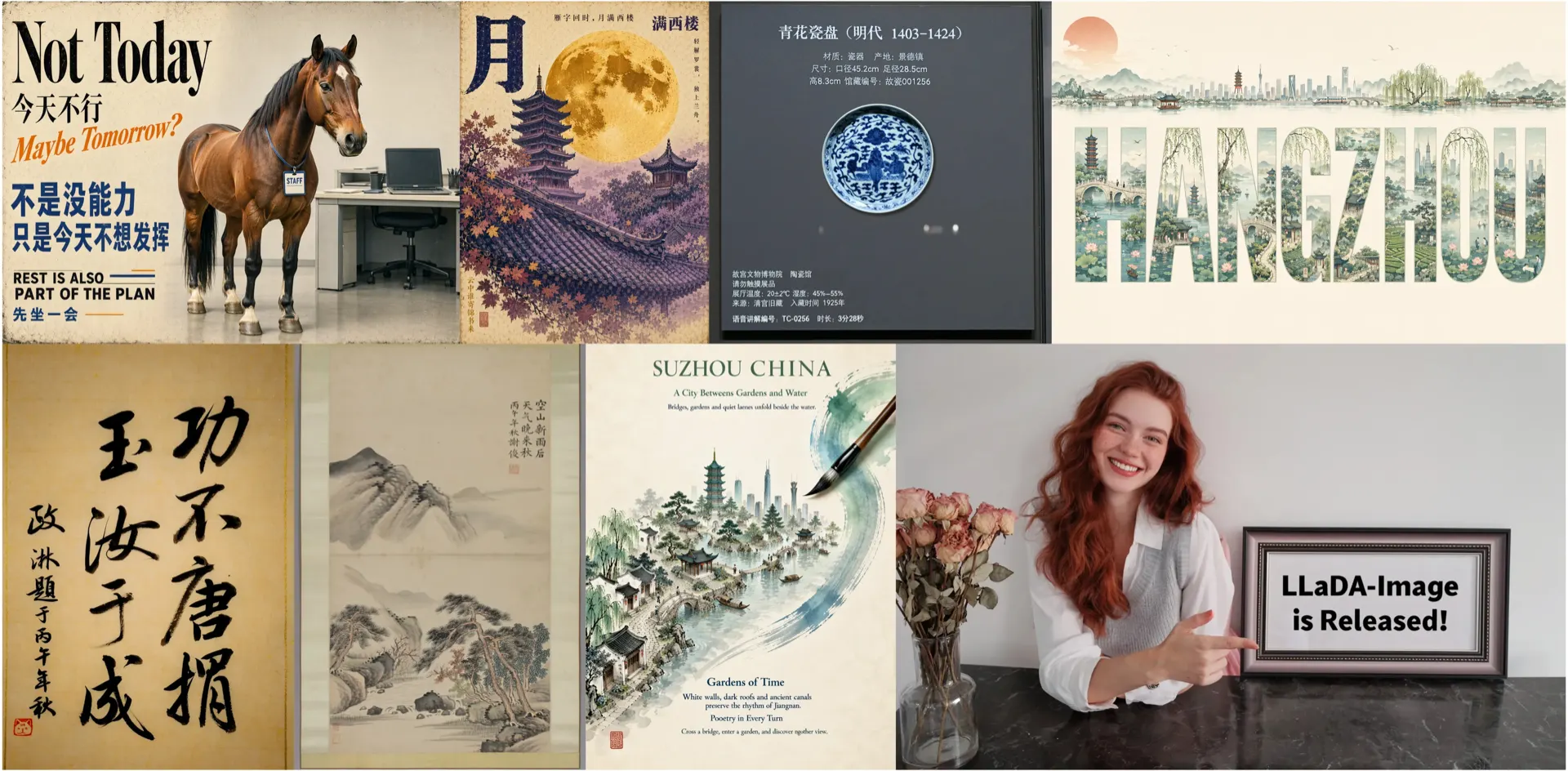
Three prompt templates
Copy the structure, then replace brackets with your brief.
Photoreal generation
“Photoreal [subject] in [place], natural window light, shallow depth of field, 35mm look, no watermark.”
Bilingual poster
“Clean poster layout, headline ‘[EN text]’, subhead ‘[ZH text]’, high-contrast typography, generous margins.”
Instruction edit
“Keep the same person and pose. Change only the background to [scene]. Preserve facial identity and clothing.”
Prompt hygiene
Avoid stuffing the same keyword twenty times. Prefer concrete nouns, readable quoted text for posters, and one primary change per edit instruction. Use Turbo to explore variants, then Base for the keeper.
- Quote exact poster strings instead of paraphrasing.
- State what must remain unchanged in edits.
- Log prompts that worked for your brand kit.
Related pages
Prompts FAQ
Do prompts differ for Turbo?
Usually the same prompt works; Turbo may need cleaner instructions because it uses fewer steps. Compare both before judging the model.
Can I reuse Midjourney-style stacks?
Some style words transfer, but prioritize plain descriptive English/Chinese and exact text strings over proprietary parameter soup.
Where else can I learn?
Read the Best Prompts blog post on this site and the official GitHub examples for grounding.
Are these “best prompts” ranked scientifically?
No. They are practical patterns for this workspace, not a forged leaderboard.
Run a prompt now
Pick one template, open the generator, and save both Base and Turbo outputs for comparison.