
LLaDA-Image Turbo vs Base
Practical differences between LLaDA-Image Turbo and Base: sampling steps, when to use each, and how to compare them online.
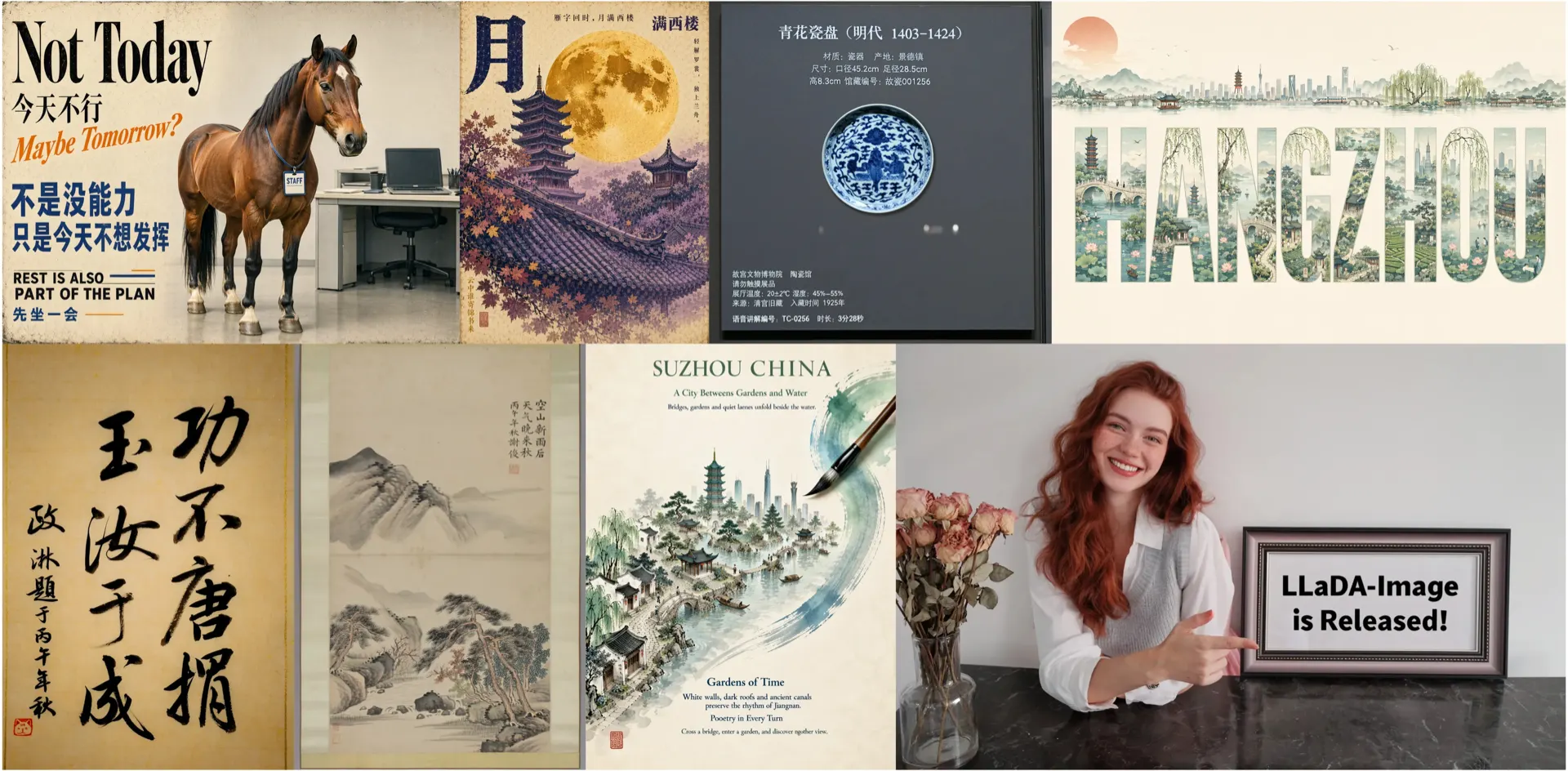
LLaDA-Image Turbo vs Base
LLaDA-Image Base and LLaDA-Image Turbo share the same product family but optimize for different latency/quality trade-offs. This article is written for searchers comparing llada image turbo against the standard path.
Independence: This comparison is published by an independent third-party workspace. It is not an official inclusionAI benchmark report. Prefer GitHub / Hugging Face / arXiv for authoritative sampling guidance.
Quick comparison
| Base | Turbo | |
|---|---|---|
| Goal | Higher fidelity | Faster iteration |
| Public guidance | ~50-step oriented | Few-step distilled (~2–4) |
| Best for | Final frames, detail | Drafts, edit loops |
| Editing | Supported | Supported |
Public materials describe Turbo as a Twin-DMD distilled variant. Exact recommended steps and guidance scales can change — verify on GitHub.
When to pick Turbo
- You are exploring composition or poster layouts.
- You are doing multiple instruction edits in a row.
- Latency matters more than maximum detail.
Product page: LLaDA-Image Turbo.
When to pick Base
- Photoreal product or portrait detail is critical.
- Bilingual poster text must stay crisp after many retries failed on Turbo.
- You are preparing a final export after a Turbo draft.
Home / generator: LLaDA-Image · Generator.
How to A/B test on this site
- Fix the prompt and seed strategy as much as the UI allows.
- Run Turbo first for direction.
- Re-run Base on the winning prompt.
- For edits, keep the same reference and instruction across both.
What we will not claim
- We will not invent Arena scores or download counts.
- We will not label this UI as the “official demo.”
- We will not pretend Turbo always beats Base (or vice versa) on every brief.
Sources
CTA
Try Turbo online then return to Base on the homepage. See Pricing for credit costs.